Every sheet, down to the last millimetre.
Nesting software for laser, plasma and CNC sheet cutting. Nestra packs your parts onto the sheet with the least scrap, sets the cutting order and writes the file for your machine. Runs on Windows, offline.
The layout behind this text is real — Nestra engine · 414 parts · 3000 × 1500 mm · 80.2% utilization · 60 s
The nesting engine is the part we put the most work into.
True-shape nesting
Parts are nested by their real outline, not by a bounding rectangle, and rotated freely to find the tightest fit.
Thousands of trials, the best one stays
The engine spreads over all CPU cores and tries many layouts at the same time. The screen always shows the best so far; press Stop at any moment and you keep it.
Small parts fill the holes
Gaps between large parts and the holes inside them are filled with small parts (part-in-part nesting).
Fewer sheets
On multi-sheet jobs the engine tries to empty the last sheet, so the job needs one sheet less wherever possible.
The sheet size with the least scrap.
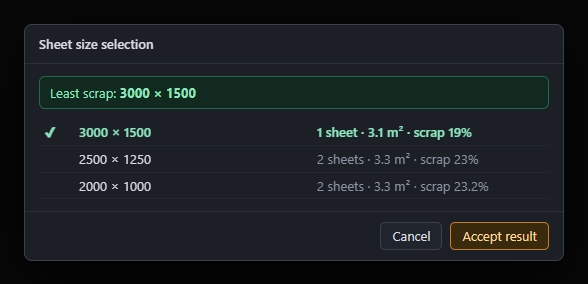
Sheet sizeTick the sheet sizes you have in stock and press Auto nest. Nestra tries each size, shows them side by side and suggests the one that leaves the least scrap.
The empty end of the last sheet is not counted as scrap: it is cut off at the remnant line and goes back to stock.
No half sets, no extra parts.
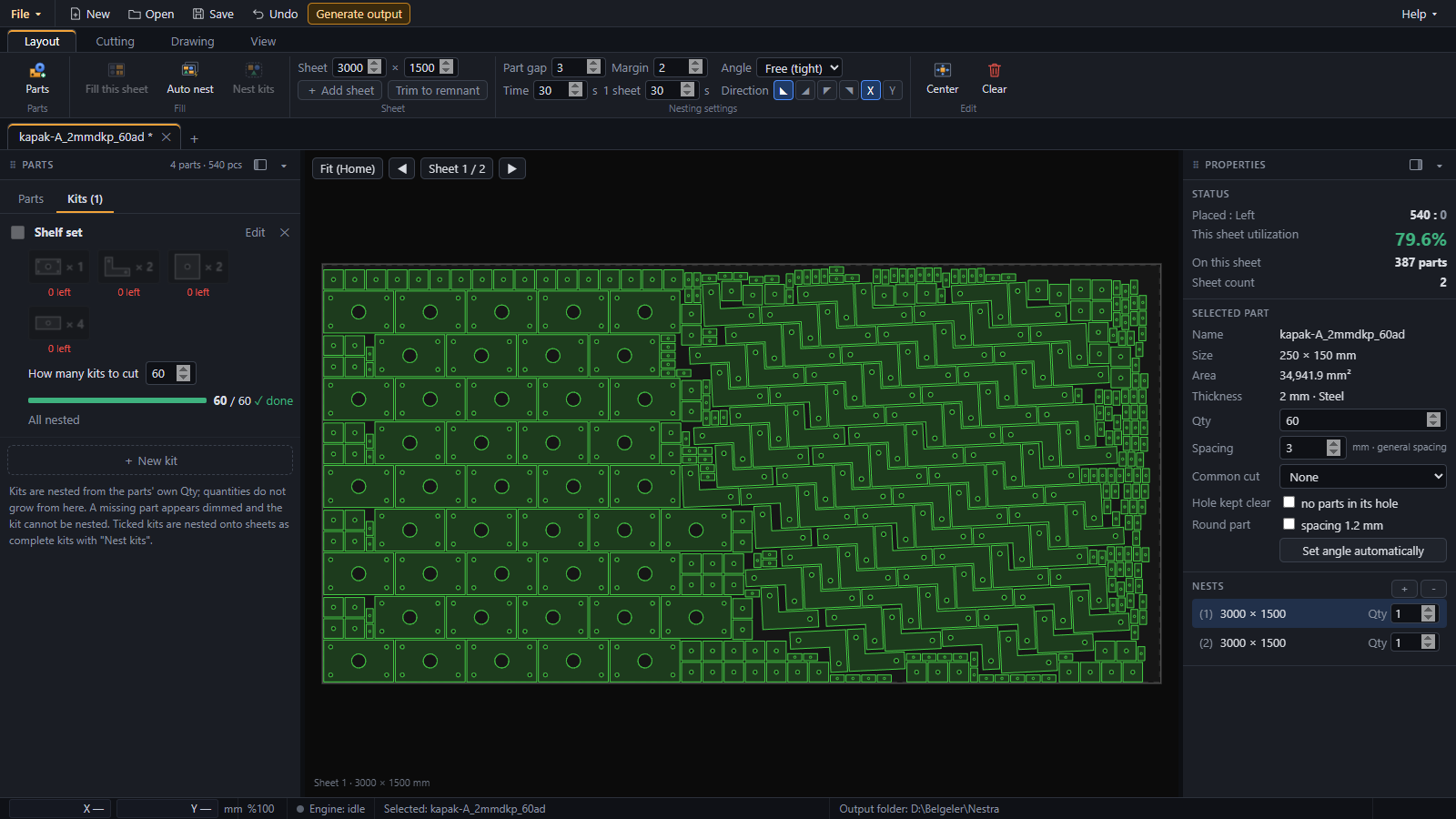
Kit nestingWhen parts are cut as sets (for example 1 cover + 2 brackets + 2 square plates + 4 tabs), define a kit and say how many you need. Nestra nests only complete kits; when a sheet is full, the same sheet is repeated for the remaining kits.
Holes first, outer contour last.
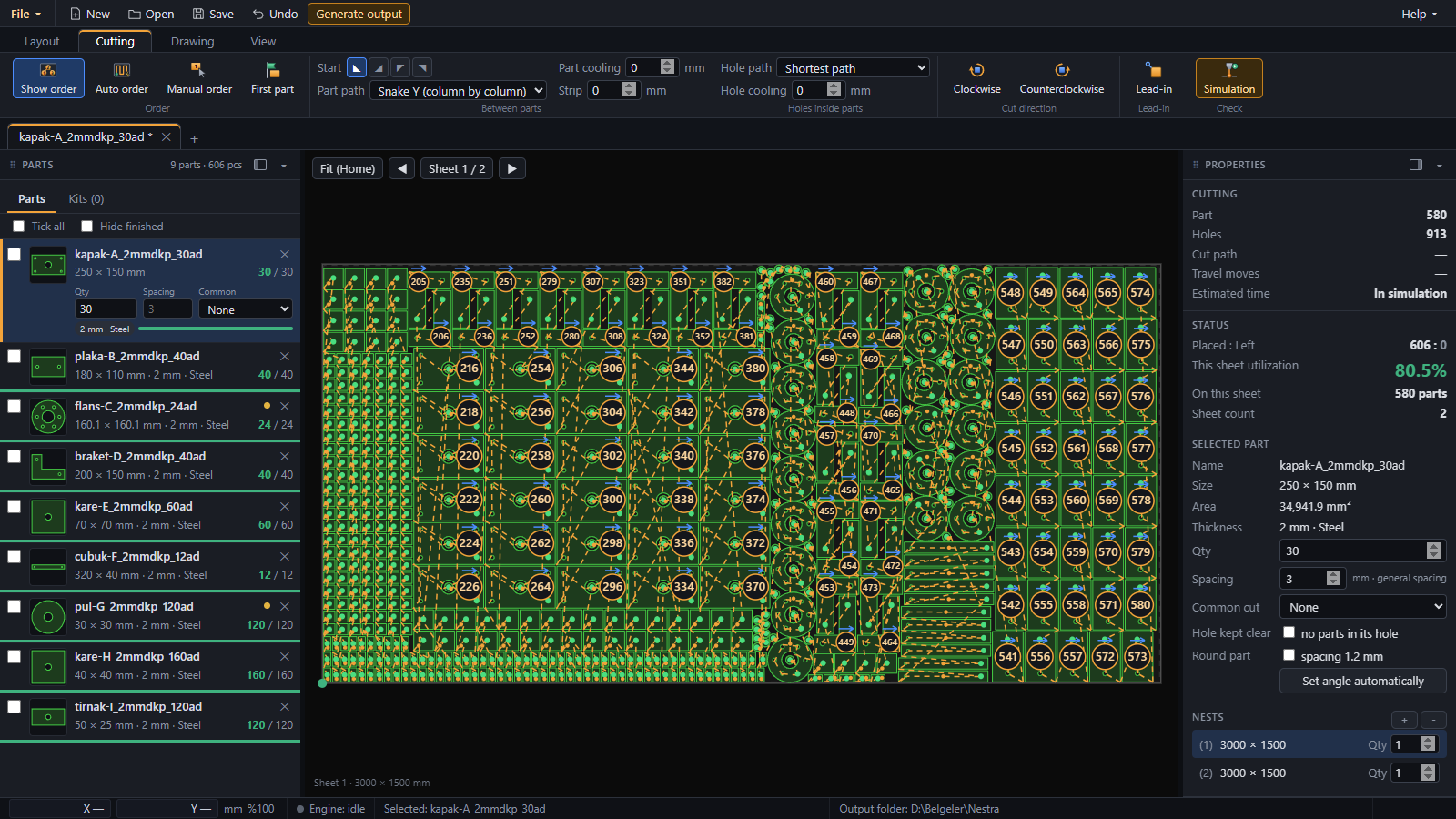
Cutting order and simulationNestra sets the cutting order for you: the sheet is cut in strips from the start corner, and lead-ins are placed automatically on a safe corner. Change a lead-in once and it applies to every copy of that part on the sheet.
The simulation plays the cut on screen so you can check the order before the sheet goes on the machine.
Parts in, cutting files out.
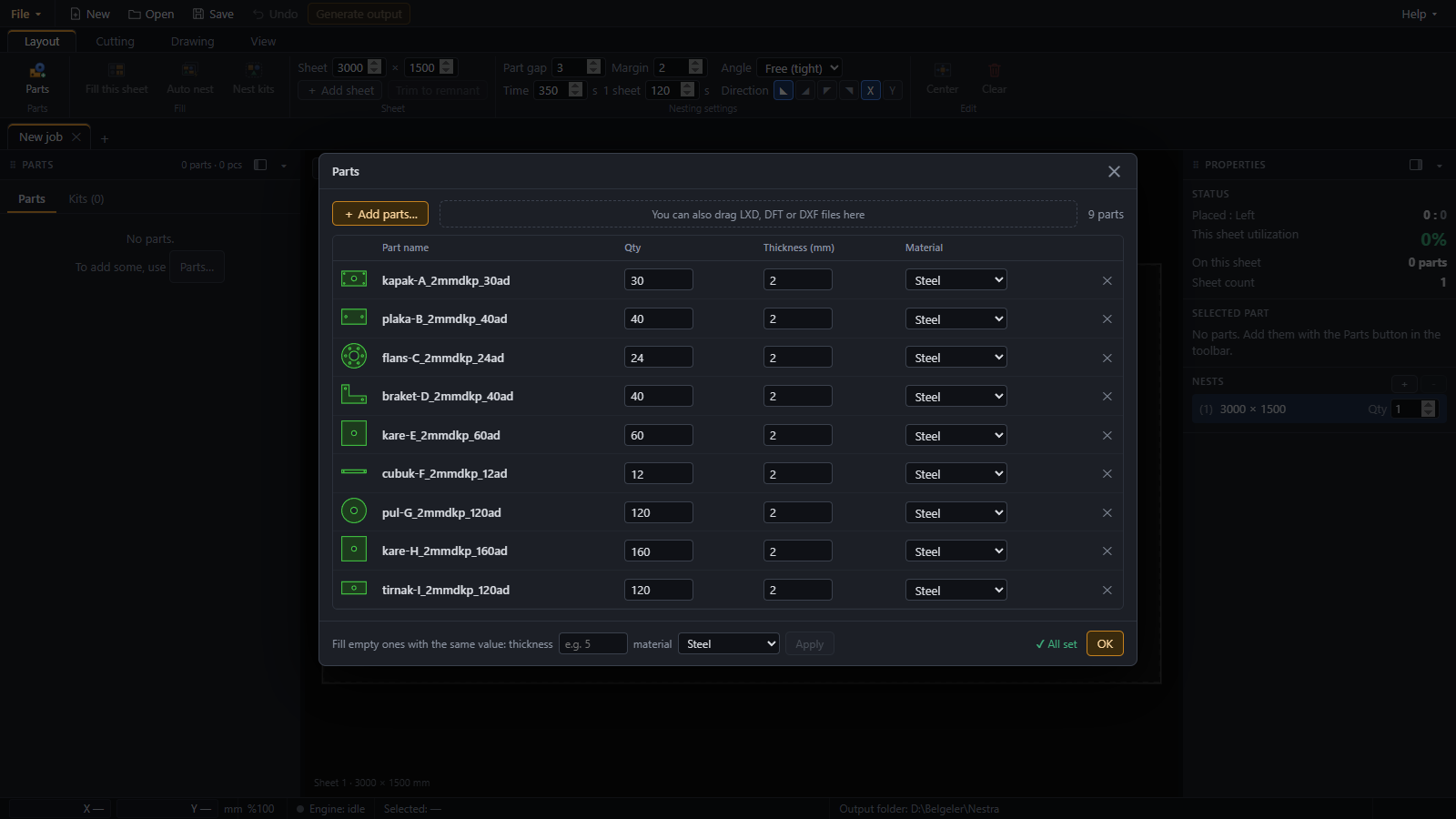
InputDrop LXD, DFT and DXF part files into the Parts window; quantity and thickness are read from the file name when they are written there, and you fill in the rest.
OutputFor every layout an LXD file and a DOC sheet report, and a DXF if you want one. Output can go straight to the folder your cutting machine reads from.
14 days, no key, the full program.
It runs offline on the PC you install it on: no account, no cloud, no internet needed to work.
Windows 10 / 11 · 64-bit · no account needed